Set up your service area
jugglix sets a recommended service area during your initial setup, based on your service type. You can change it any time afterwards.
Edit your service area
- In your dashboard, go to Business, then Details.
- Find the Service Area card and press Edit (or Add if none is set yet).
- Adjust the area on the map, then press Save.
Your service area centers on your business address, so if you have not added an address yet, jugglix asks for that first.
Radius or your own shape
The map gives you two ways to define the area:
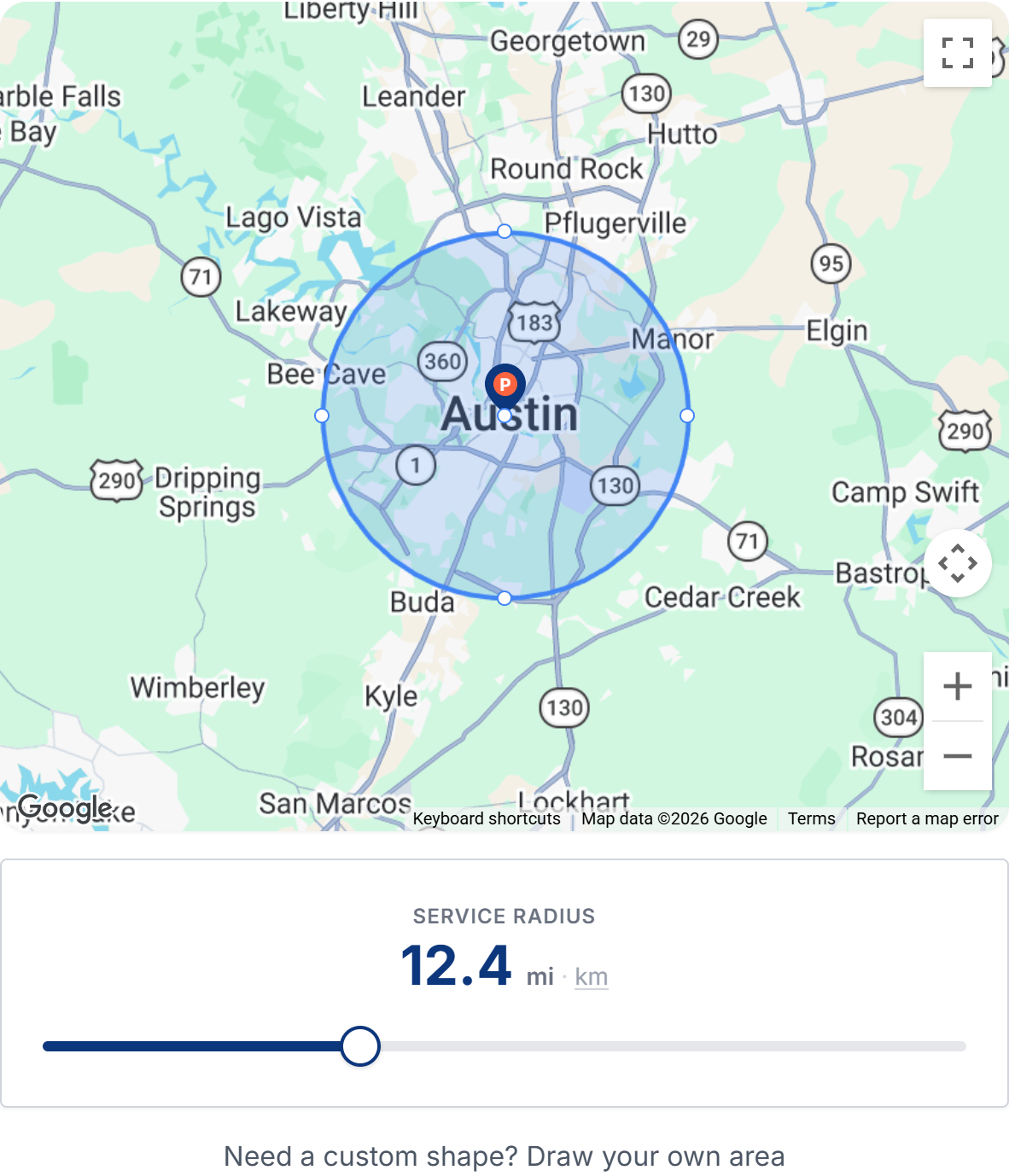
- Radius: drag the slider to grow or shrink a circle around your address. Tap the unit label to switch between kilometers and miles.
- Draw your own area: choose Draw custom area, then tap the map to drop points around your area and press Finish area when it is closed. Drag any point to adjust the shape, or use Clear & redraw to start over.
Online-only businesses
If you deliver your services online, you choose regions instead of a map area: anywhere in your country, only your province or state, or international.