Edit your website's text and photos
Open Website Creator from your dashboard and choose Content in the navigation. Text edits in the Content section save automatically as you type, so there is no save step. Your live website still only changes when you publish.
Hero
The hero is the first thing visitors read. Edit the Heading and the Subheading beneath it. The hero image itself is changed in the Images panel, and the panel links you there.
About
Edit the section heading, or hide the whole section with the visibility toggle if you do not want an about section on your site.
Contact
Choose how visitors reach you:
- Let visitors contact you shows or hides the whole contact section.
- Show contact form controls the form itself.
- Edit the section's heading and subheading to match your tone.
Messages from the contact form land in your jugglix dashboard.
Services
The Services panel lets you rename services, edit their descriptions, hide individual services from the website, and drag them into a different order. The catalog itself is managed in your dashboard: see Add and manage your services.
FAQ
The FAQ panel turns your FAQ section on or off, sets whether one answer opens at a time, and, under Customize, lets you choose which questions appear and drag them into order. The questions themselves are managed in your dashboard: see Add and manage your FAQ.
Photos
Photos live under Design, in the Images panel:
- Pick the slot you are changing: Hero or About.
- Choose a photo from My uploads, or search Stock photos by keyword.
- Drag the focal point on the image so the part that matters stays visible at every screen size. Reset to center puts it back.
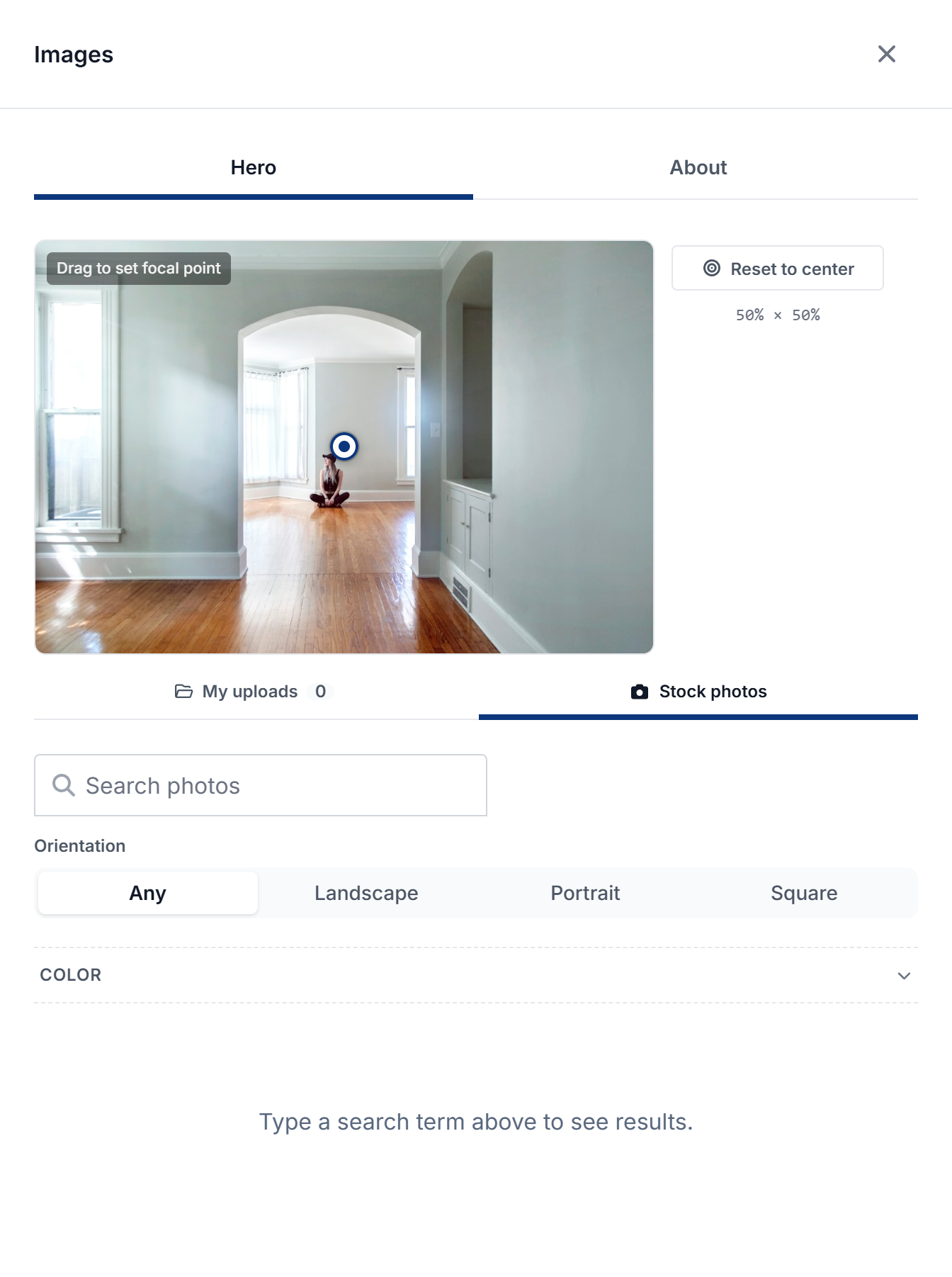
Image changes stage like other design edits: press Save changes to keep them.
Coming soon
Gallery and Testimonials sections appear in the editor marked coming soon. Their preview toggle shows sample content in the editor only; nothing appears on your published site yet.